 Voxden
01 / DICTIONARY
Names spelled your way.
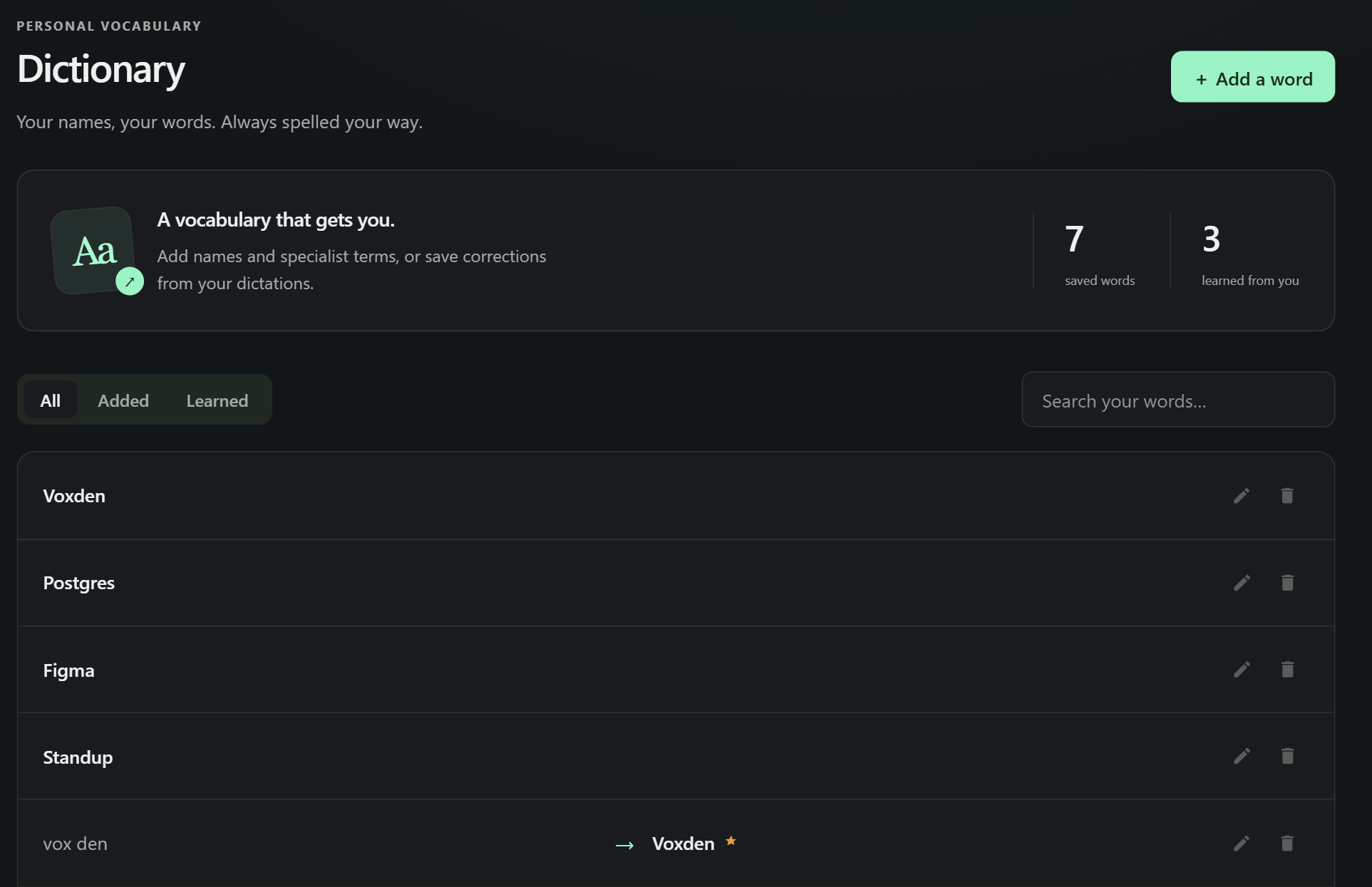
Add a word once, or correct it once, and it stays. Your dictionary rides along with every cloud dictation as hints.
Dictation for Windows
Voxden types into any Windows app, with a speech model on your own GPU or through Voxden Cloud.
Ctrl+ to dictate
Windows 10 and 11 · Free plan included · Hinglish, Hindi and 60 languages
How it works
The flow bar appears wherever you are. Press once to start and once more to stop, or hold the keys to talk.
Ctrl+
Say it the way you'd say it out loud. Fillers are cleaned up and names come from your dictionary.
Into the message, the document or the code comment you were writing. No copy, no paste, no switching windows.
The standup moves to 3 tomorrow. Notes are in the shared folder.
Inside the app
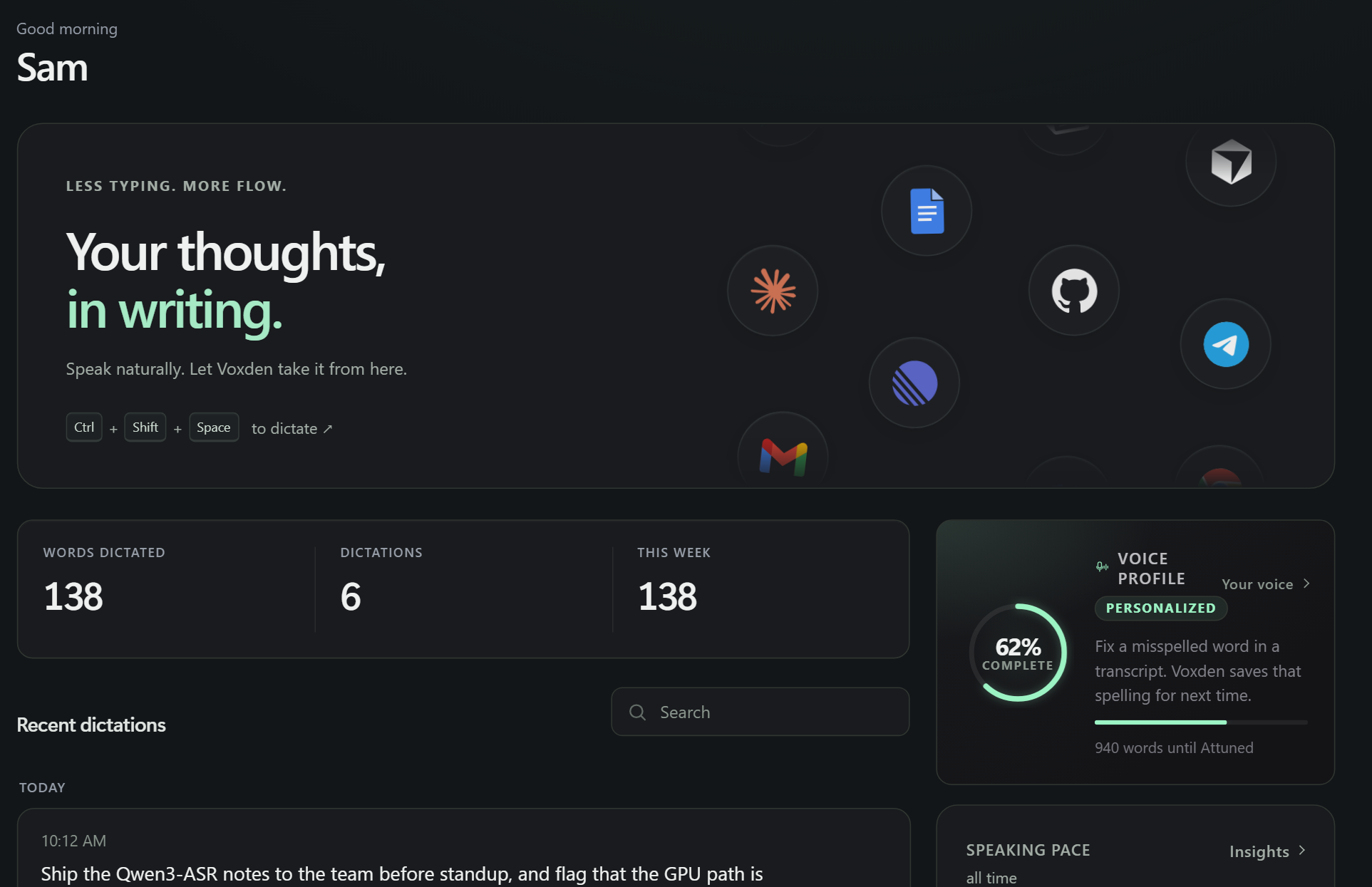
The dictation is the front door. Behind it: a dictionary that learns, a style you set once, and a record of what you said.
Add a word once, or correct it once, and it stays. Your dictionary rides along with every cloud dictation as hints.
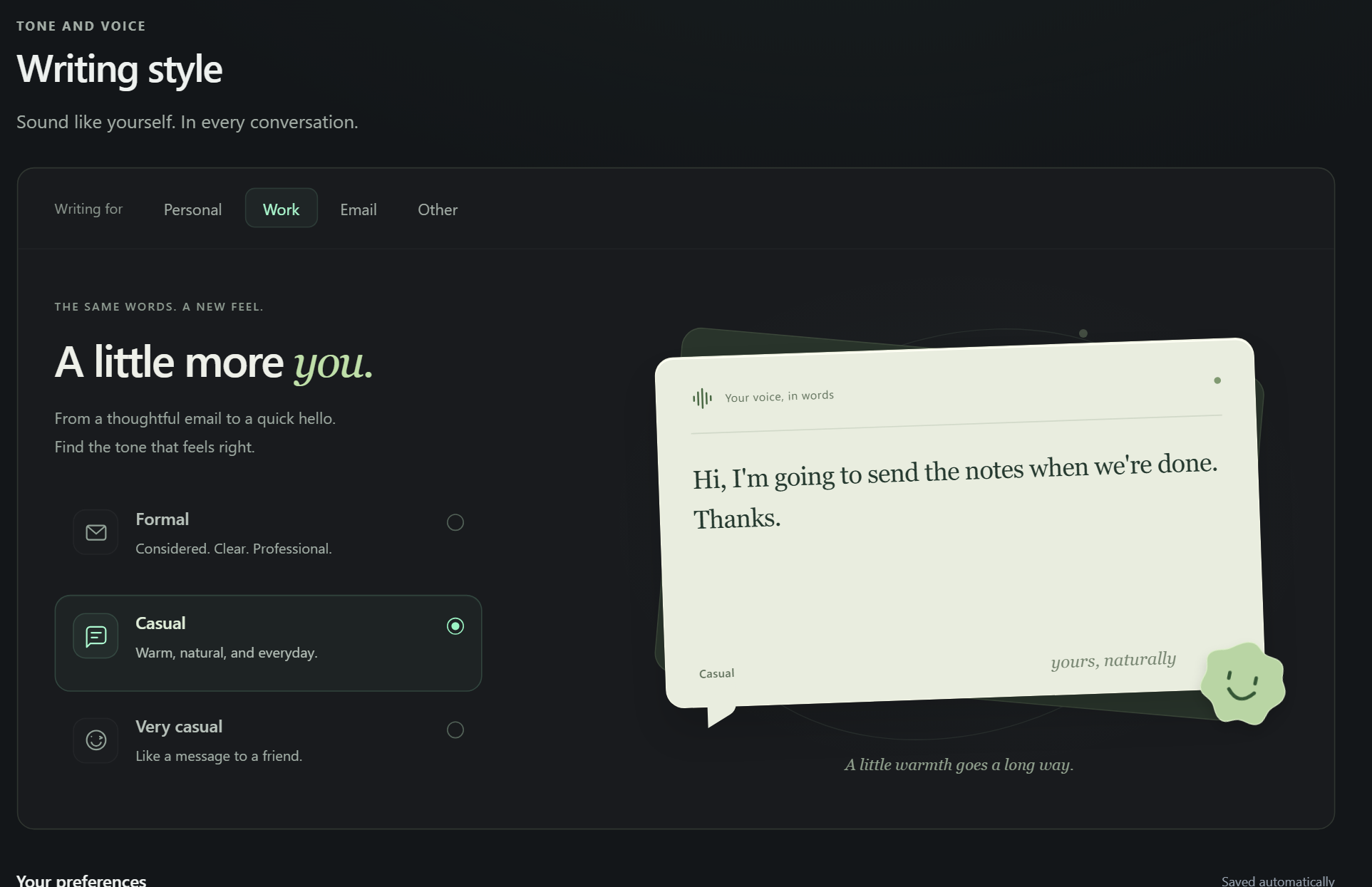
Formal, casual or very casual. Chosen once, applied everywhere you dictate.
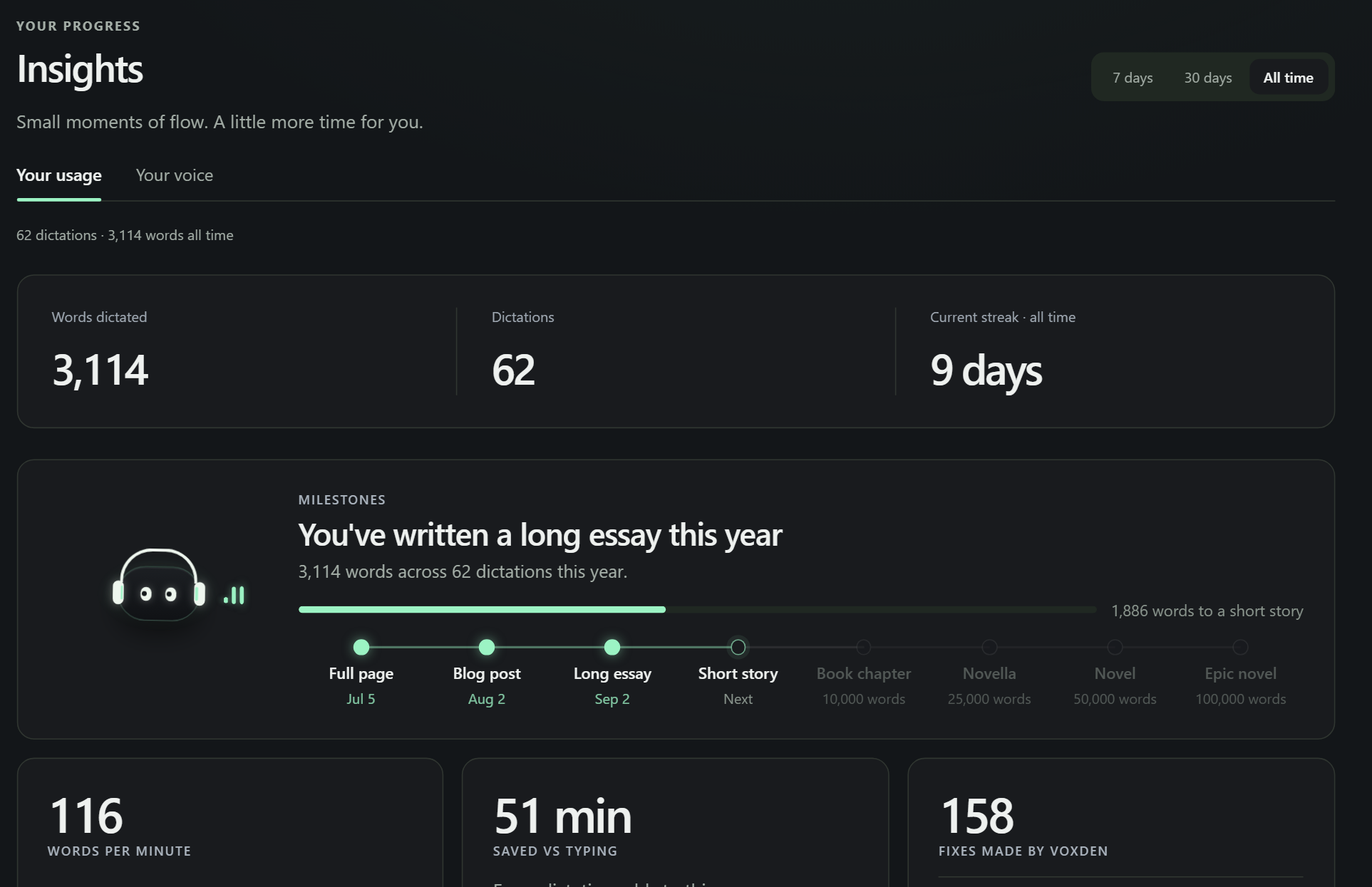
Words, pace, streaks and the apps you dictate into most, counted on your PC.
Search what you said, see where it went, copy it again.
Runs on your PC
One small model is ready the moment you install. The others download inside the app when you want more accuracy, and you can switch or delete them in Settings at any time.
01 · Ready on install
Parakeet v3 is the model Voxden starts on. It is small enough to download while you make a coffee and quick enough on a CPU that a laptop without a graphics card still feels immediate.
Best for getting started, laptops and short messages.
02 · The middle ground
Whisper large-v3 turbo keeps the full model's vocabulary and swaps in a distilled decoder. It is the one to pick when Parakeet trips over a word and you would rather not spend 3 GB.
Best for a balance of speed and accuracy.
03 · The safe fallback
Whisper large-v3 has been transcribing the world's audio for years. It starts fast, it is predictable, and on a long dictation where every word counts it is the one people come back to.
Best for long dictations and careful drafts.
04 · Most accurate
Qwen3-ASR 1.7B is the strongest model Voxden runs locally. It is the one to install for names and technical terms, for accents the others fumble, and for dictating over a fan or a train. About a second per dictation on an NVIDIA GPU.
Best for accuracy, if you have the disk space.
Every model runs on your PC. Downloaded once into Voxden's folder, run on your NVIDIA card, on an AMD or Intel GPU with one extra download, or on the CPU. Your audio never leaves the machine; Voxden Cloud is a separate switch.
Everywhere you type
Your PC or the cloud
Qwen3-ASR or Whisper runs on your own GPU, or on the CPU if you don't have one. Nothing leaves the machine. Works offline once the model is downloaded.
Part of Pro. A larger model that holds up on names, accents and noisy rooms, with no model download and no GPU needed. Your dictionary still applies.
Voxden Pro
One plan, priced for where you are. Cancel any time from inside the app and Pro runs to the end of the period you paid for.
Upgrade from Plans & billing inside the app. UPI, cards and net banking.Cards and PayPal.
Privacy
On the Free plan your voice never leaves the machine. With Voxden Cloud on, the audio of that one dictation goes to our transcription service and comes back as text. History, dictionary and settings live in a folder on your PC that you can open and delete.
Read the privacy policy →Questions
Voxden isn't code-signed yet. A signing certificate costs more than the app earns right now, so SmartScreen shows "Windows protected your PC" on first run. Click More info, then Run anyway. The installer is the same file published on GitHub, and the download page walks through it with screenshots. Signing comes once there are enough paying users to cover it.
No. On a PC with an NVIDIA GPU the local model answers in about a second. Without one it still works on the CPU, just slower on long dictations. Voxden Cloud needs no GPU at all, which is the usual reason people on laptops pick Pro.
On the Free plan, nothing: the speech model runs on your machine. With Voxden Cloud switched on, the audio of each dictation is sent for transcription and the text comes back; your dictionary terms go along as hints. Signing in sends your email address and, if you use Google, your name and picture. The privacy policy lists everything, item by item.
Yes, once a speech model is downloaded. Local dictation, the dictionary and history all work without a connection. Voxden Cloud and sign-in need the internet.
Open Plans & billing in the app and choose Cancel renewal. Pro stays on until the end of the period you paid for and nothing more is charged. Refunds are covered on the refund policy page.
Get Voxden
Free to start. Pro when you want the cloud and no limits.